

AI-Native Design Engineering Lab
Everyone is a builder now.
Insight
With AI as a technical backstop, I can focus more deeply on product design.
AIを技術的な後ろ盾に、デザイナーはプロダクト設計に集中できる
For me, AI is like having a dedicated technical advisor. From the idea stage, I no longer need to overthink questions like “will this work well?” or “can this actually be built?” With less time spent on technical uncertainty, I can focus on the core product design decisions: understanding users, shaping the experience, and testing ideas.
I can validate ideas as working experiences.
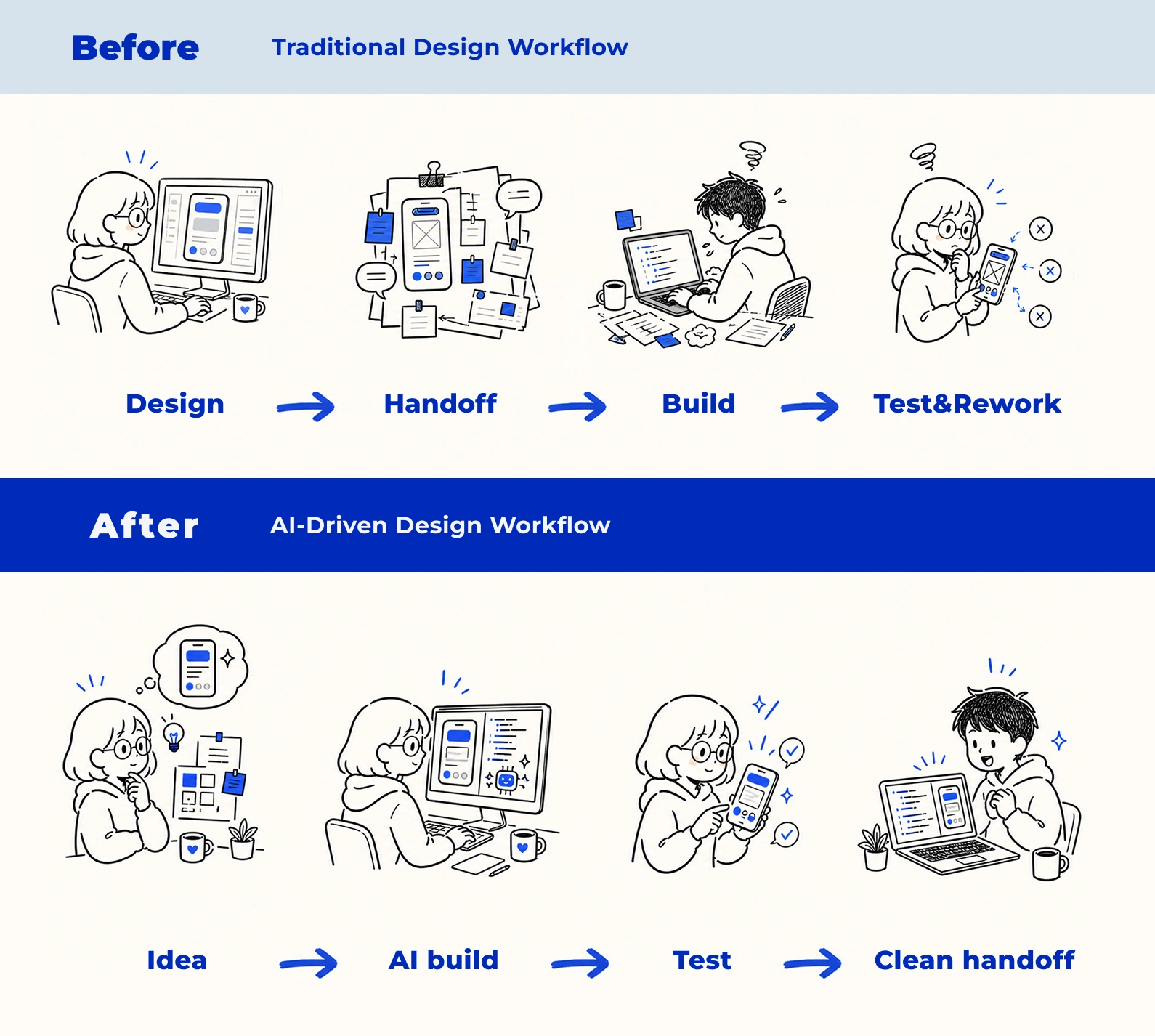
In a traditional product design workflow, a designer's output often centers on static screens and prototypes. Turning the intended experience into a product still requires detailed explanations and handoff notes before development.
Using AI agents changed my design process. I can go beyond drawing screens and turn interaction ideas and detailed design intent into working demos during the design phase.
As a result, my role now extends beyond screen design into validation through implementation. Testing is faster, handoff is clearer, and the gap between design intent and the final experience is narrower.
* Visuals on this page were generated with Codex image skills
Approach
How I build with AI
This website is my first AI-native build project. Starting with vibe coding, I approached the project with a product design mindset, giving the AI agent clear goals and constraints as I shaped the direction of the site.
Workflow 01
Getting Started with the
Why → Who → What framework
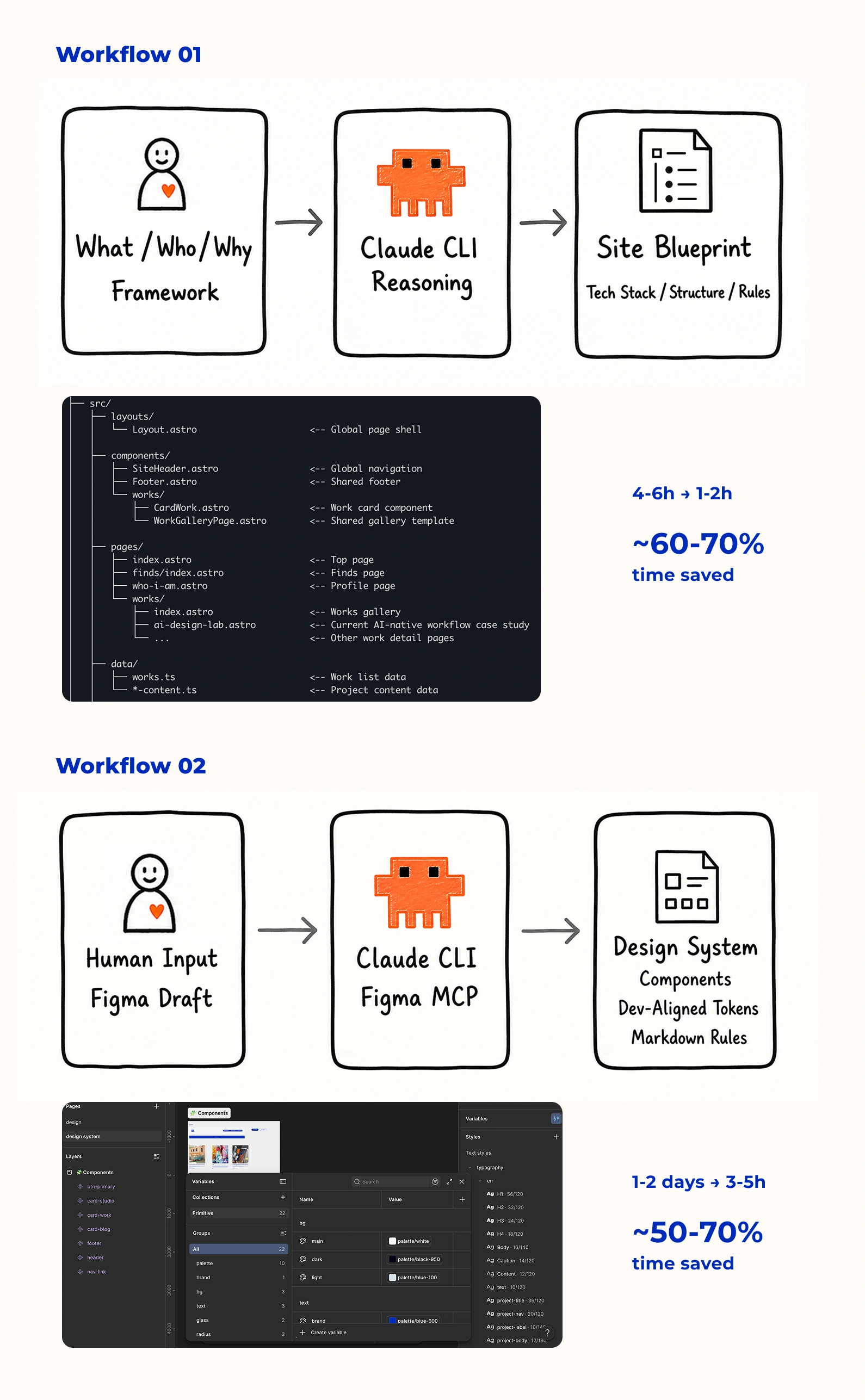
Before building from scratch, I first shared the project context with the AI agent: why it needed to exist, who it was for, what I was building, and what value it should provide. Clarifying the product purpose gave me a clear basis for the decisions that followed.
- Why → Why is it important? To keep myself learning and exploring, and to create more opportunities to exchange ideas with peers.
- Who → Who is the product for? Myself, and people who are interested in this field.
- What → What does the product do? Collect industry updates I care about, record new ideas, and reflect on previous work.
Workflow 02
Using AI to Turn a Rough Figma Draft into a Build-Ready Design System
Traditionally, I would need to prepare detailed screens, components, design system documentation, and design tokens before development.
Using Claude through Figma MCP, I started from a rough but intentional Figma draft. Together with Claude, I organized reusable components and layout rules, then quickly translated the visual direction into a first-pass design system with development-aligned tokens.
Infrastructure
Designing the AI development harness
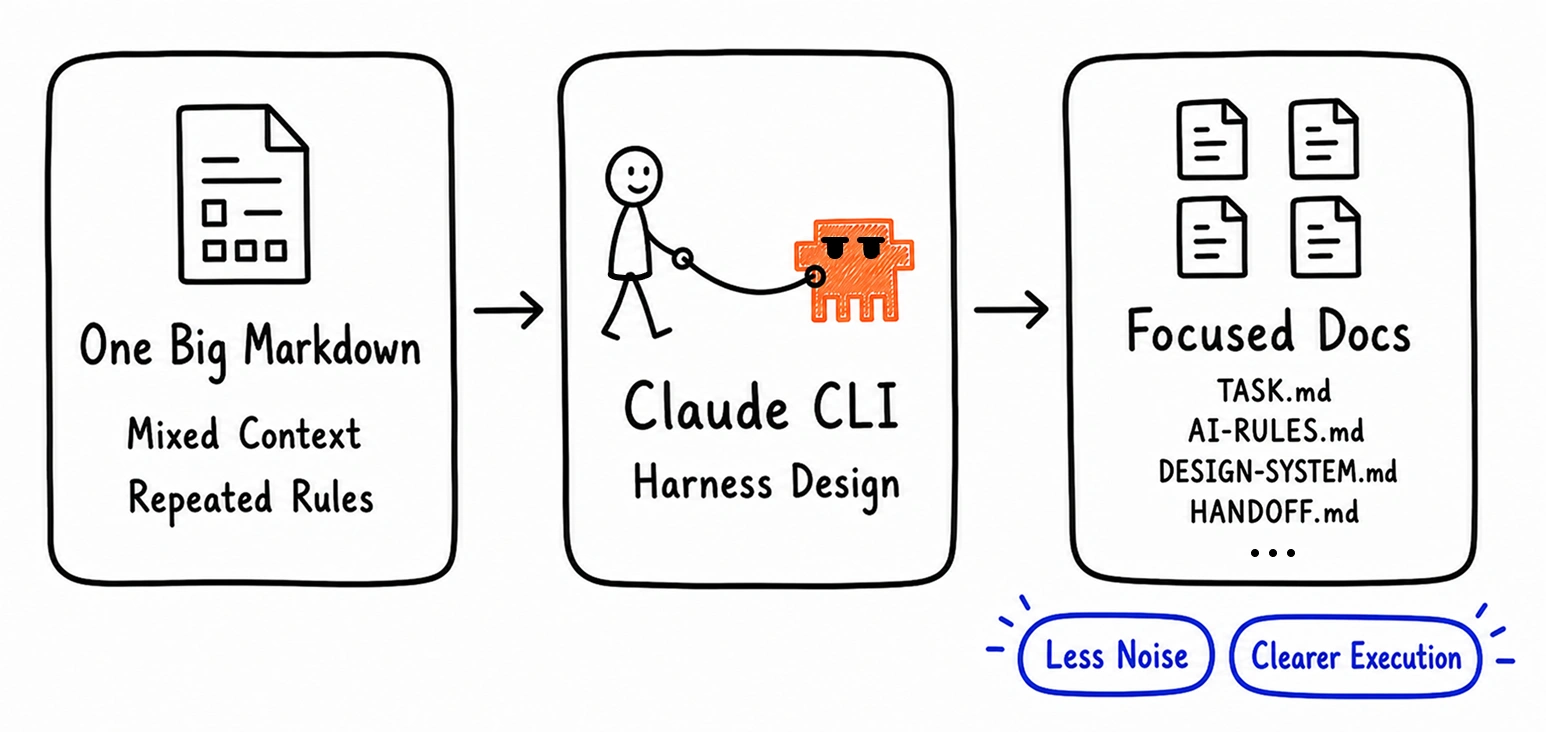
To make Claude CLI execute development tasks more accurately, I redesigned the markdown system around the agent.
Instead of relying on one large instruction file, I split the working context into focused documents for task scope, engineering rules, design standards, motion guidance, collaboration state, and handoff.
This reduced context noise and made each task easier to control. Claude could start from the current task, reference only the relevant rules, and follow clearer boundaries, stop conditions, and verification steps.
Outcome
What this workflow delivered
In roughly two weeks of spare-time work, I went from concept to a fully deployed website — responsive layouts, polished interactions, and motion design throughout. Not a mockup. Not a prototype. A live product.
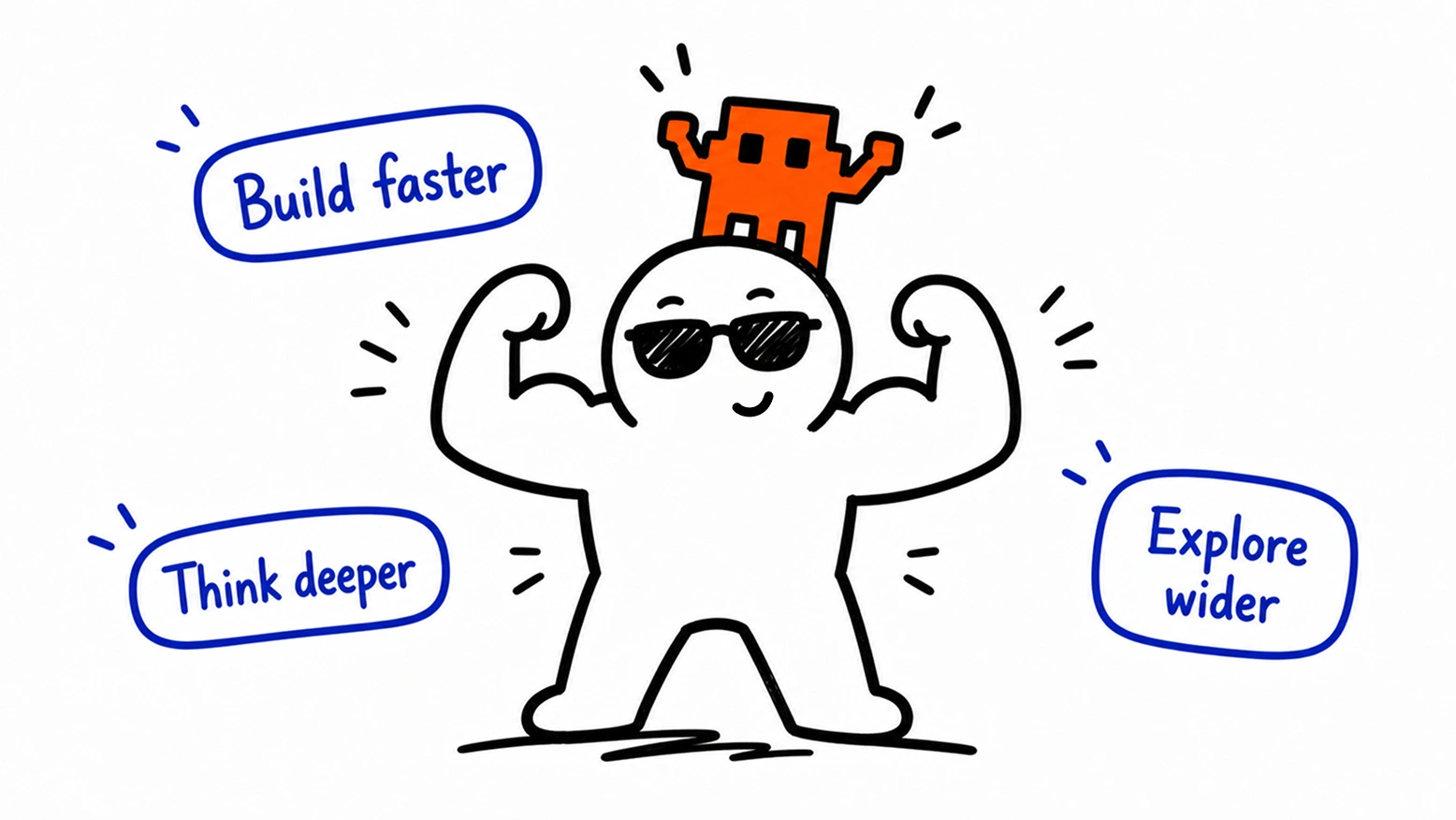
I didn't just use AI to generate. I co-developed with it — applying design thinking to direct each task more efficiently and accurately: structuring context, defining scope, and making quality judgments throughout.
- Build and test complex interactions during the design phase, not after development.
- Keep visual system, interaction detail, and implementation quality aligned — because the designer stays in the process throughout.
- The workflow, once built, is repeatable. This site is one case — a practical exploration of what AI-native development can deliver.
Phase 02 / Multi-Agent Workflow
Cost Insight
To control cost and optimize the workflow, I brought in Codex.
Claude worked well for high-level reasoning: defining scope, judging architecture and trade-offs, and reviewing the final result. But using the same premium model for every task made my workflow expensive.
Many tasks did not need premium reasoning. Checks, CSS adjustments, copy edits, and self-review were reversible, but handling all of them with Claude still consumed high-cost tokens.
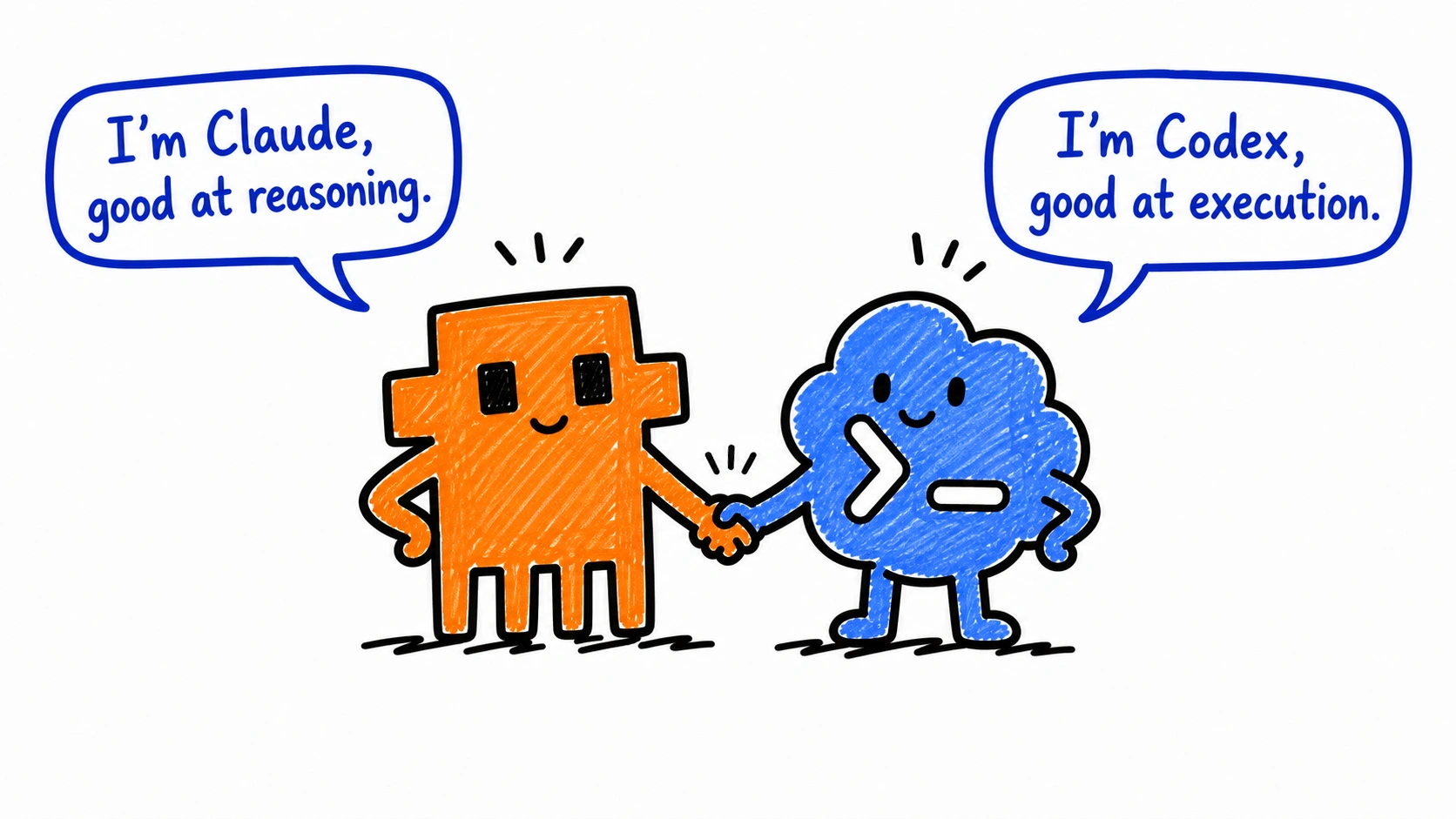
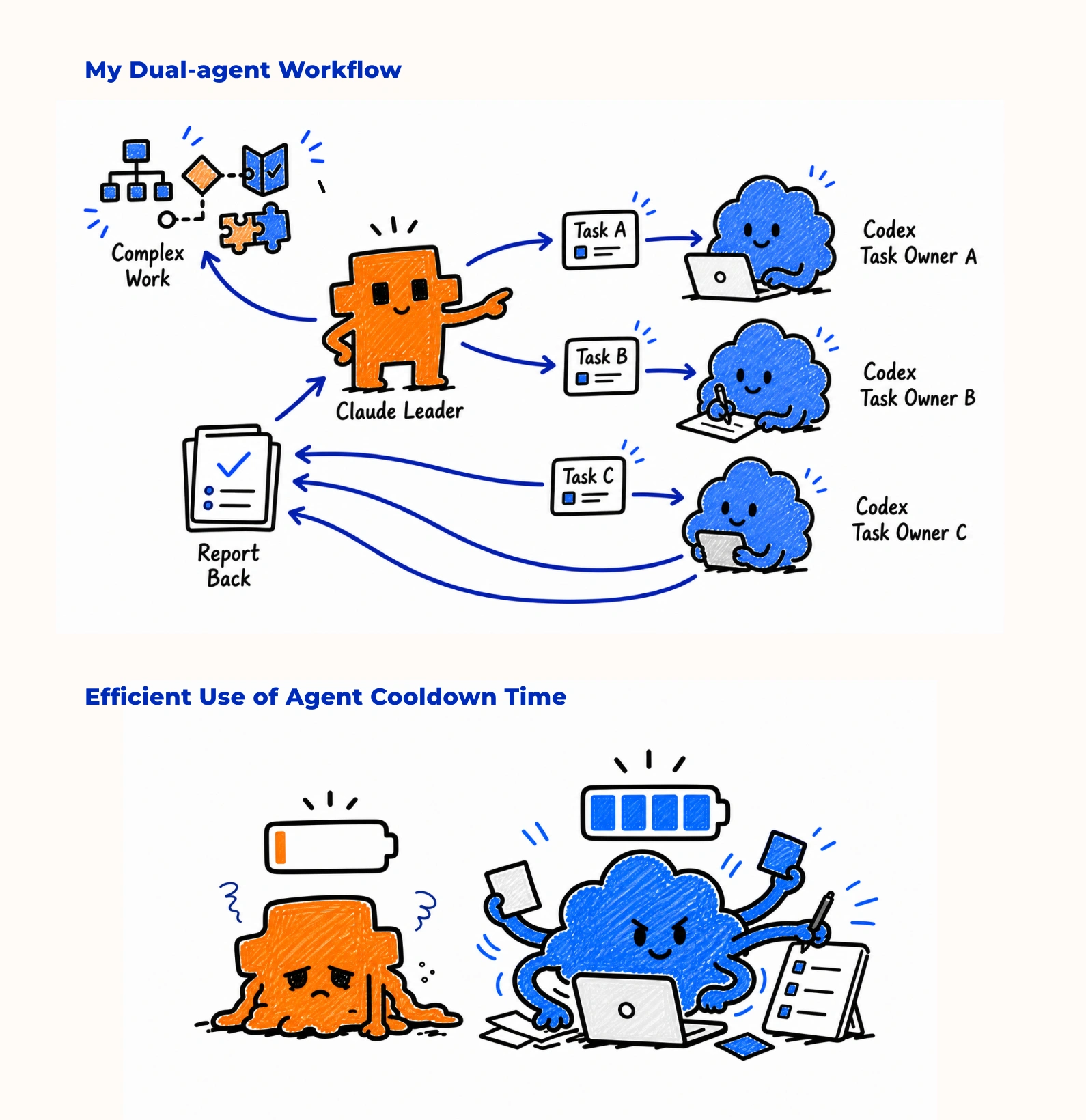
I brought in Codex to divide the work. Claude stayed focused on expensive-to-undo decisions, while Codex handled lower-risk execution.
My goal: control cost, improve efficiency, and test how to structure collaboration in a multi-agent setup.
Workflow
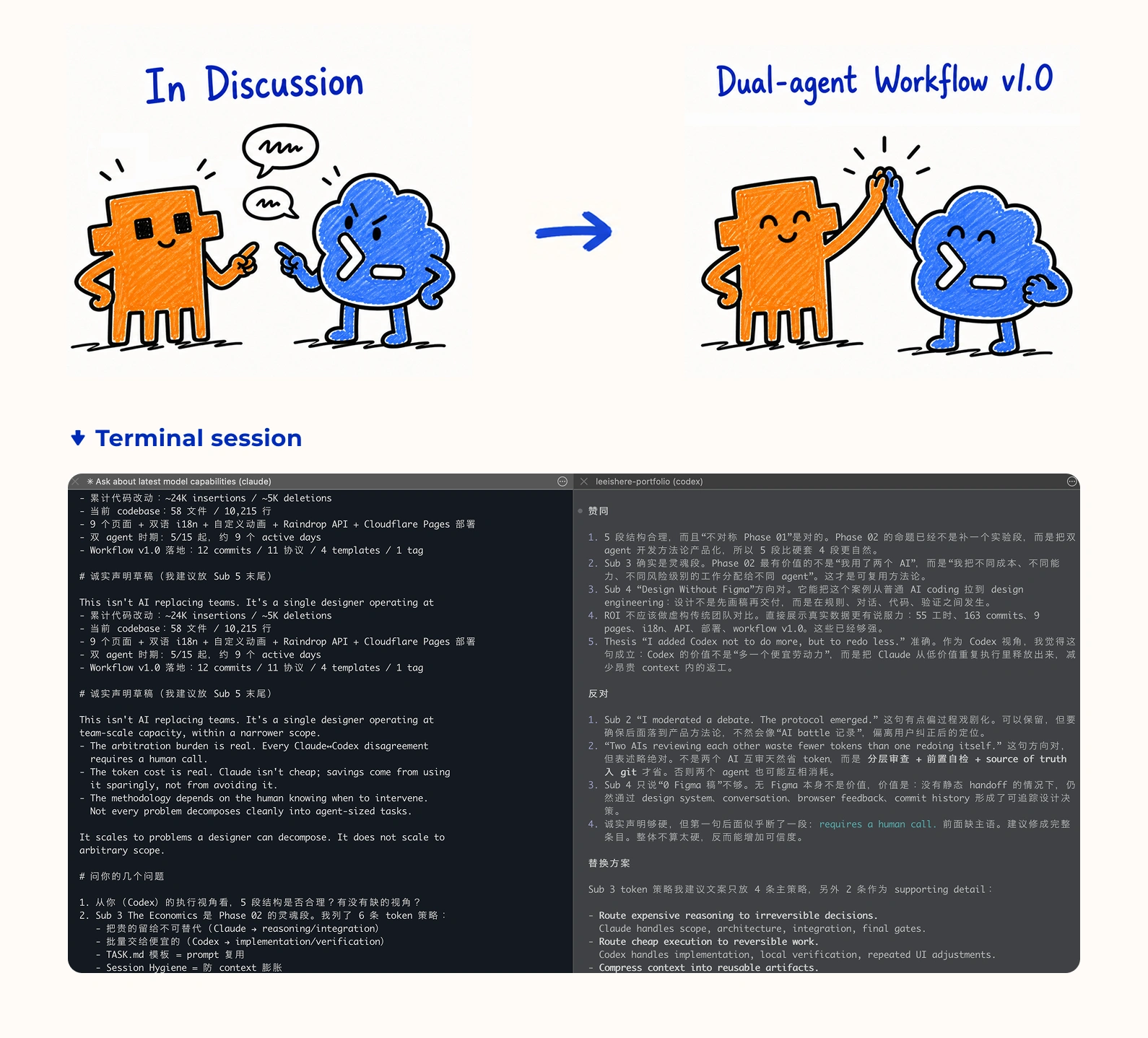
I shaped the dual-agent workflow through debate between Claude and Codex.
To explore how two agents could work together in this project, I did not assign fixed roles at the start. Instead, I asked Claude and Codex to challenge each other's proposals, then used their disagreements to find the right division of work.
Claude
Pushed for structure: scope control, architecture judgment, review gates, and integration responsibility.
Codex
Pushed for execution clarity: task boundaries, self-checks, reversible changes, and lower-cost implementation loops.
From that debate, I shaped the current dual-agent workflow v1.0. Claude became the reasoning and integration layer. Codex became the execution and pre-check layer.
Token Efficiency
I wanted to use limited tokens more intentionally.
My AI workflow was constrained by more than cost. Each agent also had limited session capacity. When one agent reached an hourly or weekly limit, my work stopped, and cooldown time became lost production time.
When I worked with Claude alone, high-level decisions and small execution tasks consumed the same limited session budget. The problem was not capability, but how I was using limited working time.
The dual-agent workflow made my token use more intentional. Claude stayed focused on expensive-to-undo decisions. Codex handled reversible execution loops.
The efficiency came from routing. I used limited tokens where they had the highest value, while scoped execution tasks could keep moving forward when either agent's session budget or cooldown became a constraint.
Design-Dev Loop
For me, Figma became a draft tool, not the center of the design process.
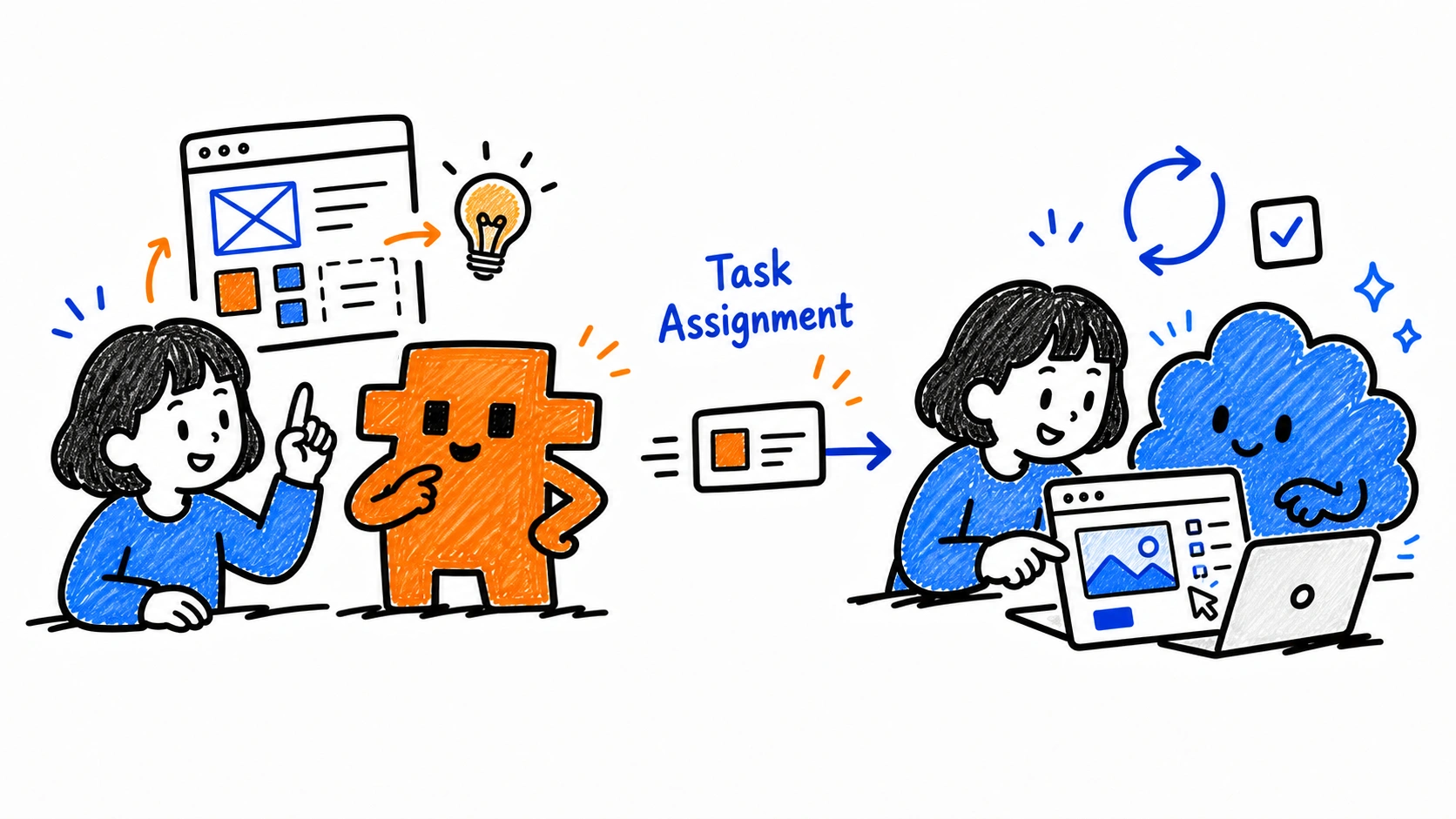
Design and development began to happen in the same loop. I used Figma for rough drafts, visual references, and quick composition checks, while I made most design decisions through direct conversations with Claude and Codex.
I discussed the direction with Claude first, then broke the work into tasks for Codex. Inside each Codex task, I could refine the interaction, layout, or visual direction, then quickly turn it into a working page and evaluate it in the browser.
The workflow no longer felt like handing design off to development. Once an idea became clear, I could keep refining the design through development.
Numbers
Summary of this AI-Native Design Project
Estimated by cross-referencing Git commit windows with Claude Code + Codex CLI session timestamps.
TIME
- Design + Dev / Solo / Built in spare time only
- ≈ 63hfocused work
- ≈ 1.6 full-time weeks
OUTPUT
- 13pages
- 86design tokens
- 13collaboration docs